The digital photo booth for your social wall
Capture and amplify audience content with the Walls.io Lens digital photo booth software.
Book a demo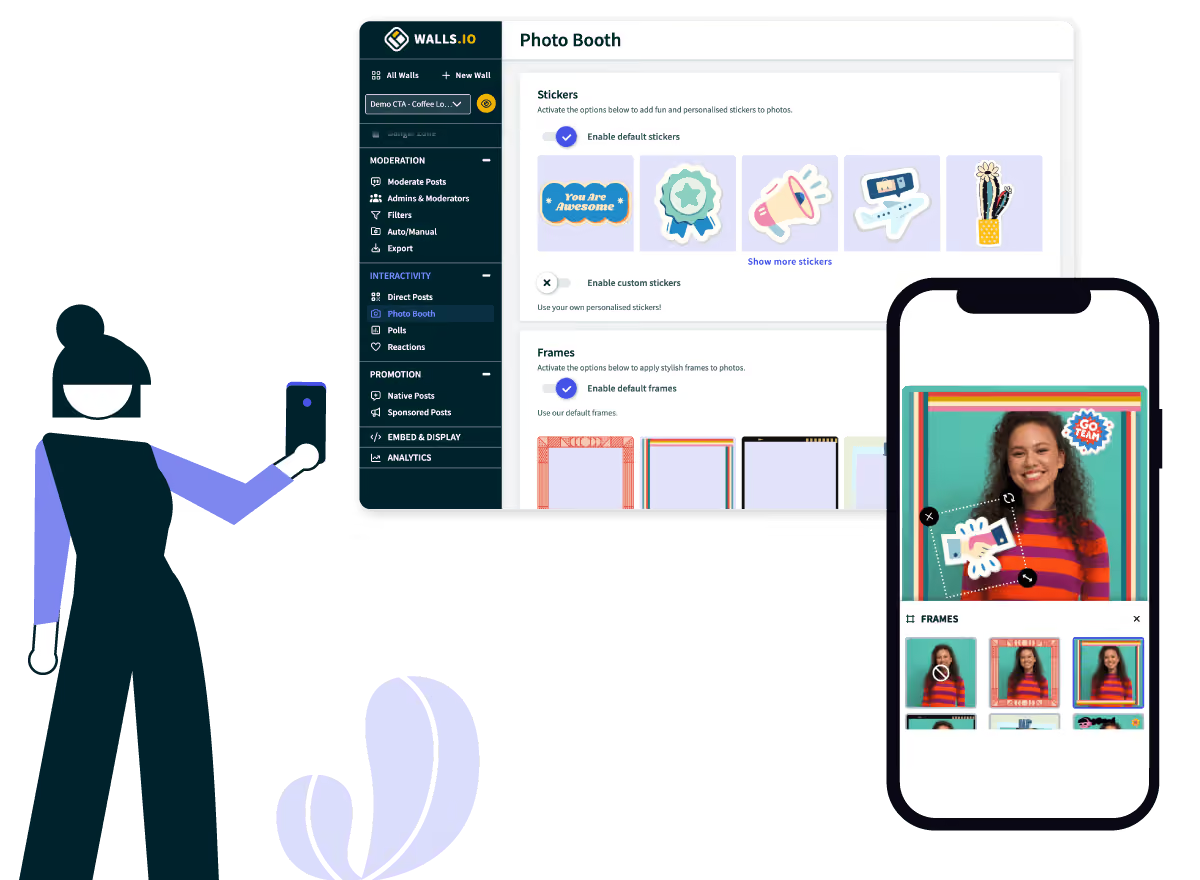




Turn every device into a digital photo booth
No-hassle QR code
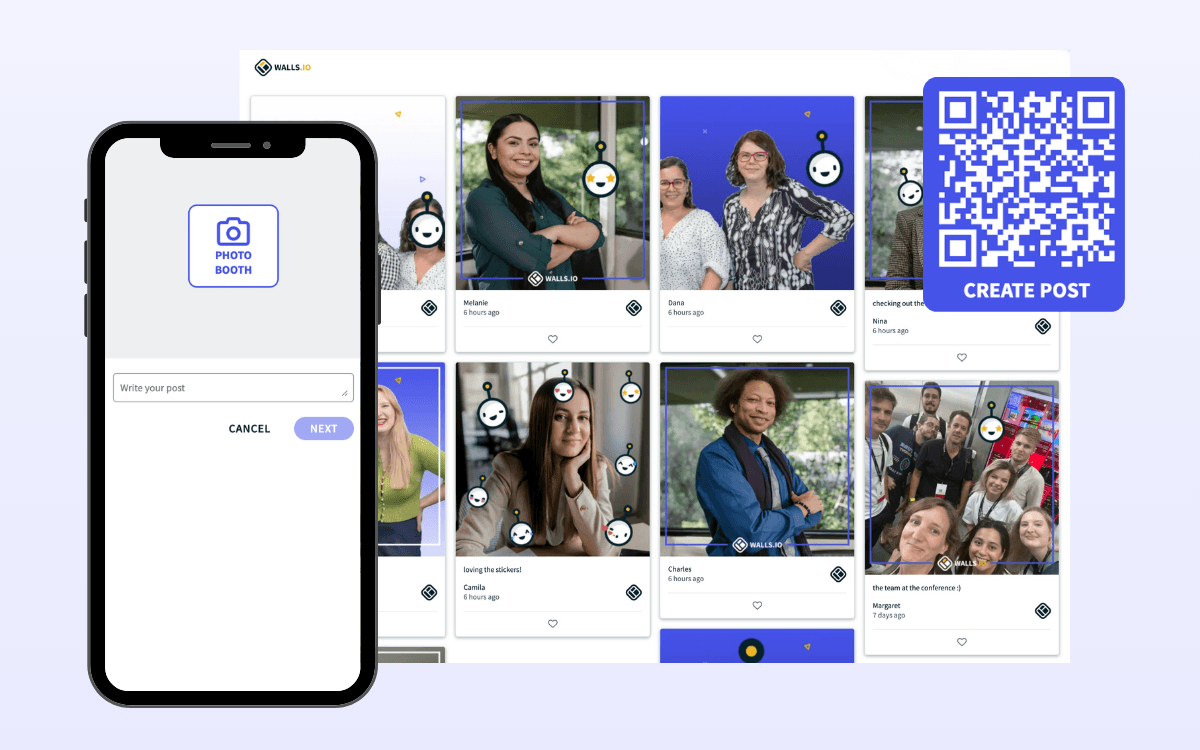
The Walls.io QR code photo booth add-on doesn’t require any additional app from your attendees’ side. They can easily scan the QR code or click the link directly from their device.
Multimedia content collection
The digital photo booth supports both photo and gif format. Attendees can snap live content and include text captions to their posts.
Customizable branding
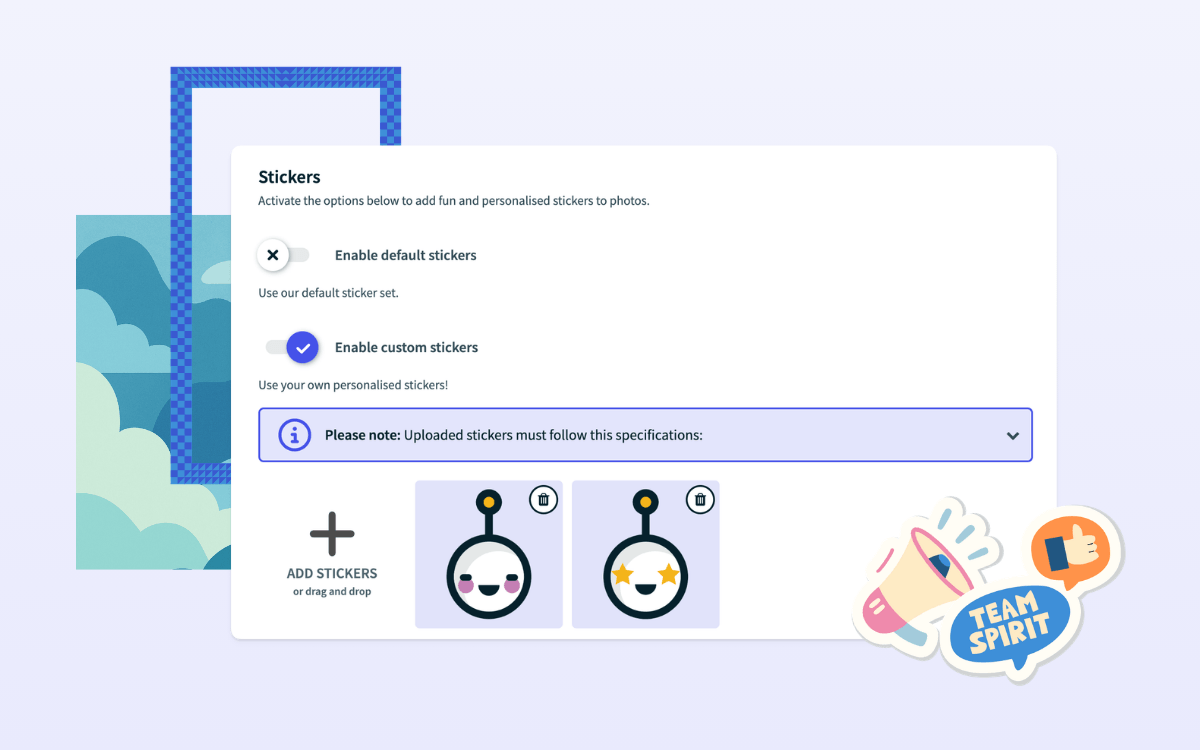
Attendees can personalize their entries with branded frames, stickers, and backgrounds that reflect your event’s theme.
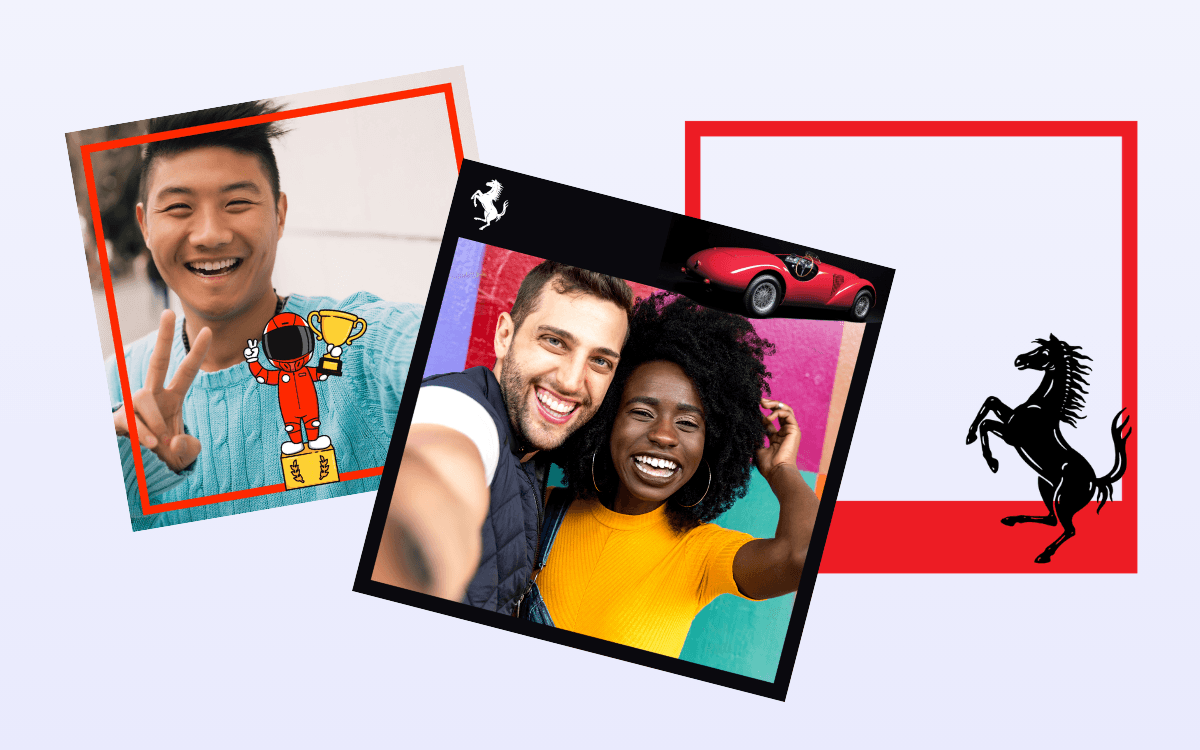
Sponsored frames
Include Lens in your sponsorship packages so that their branded assets can be available for attendee selection. Lens provides sponsors with the opportunity to advertise.
Lead collection
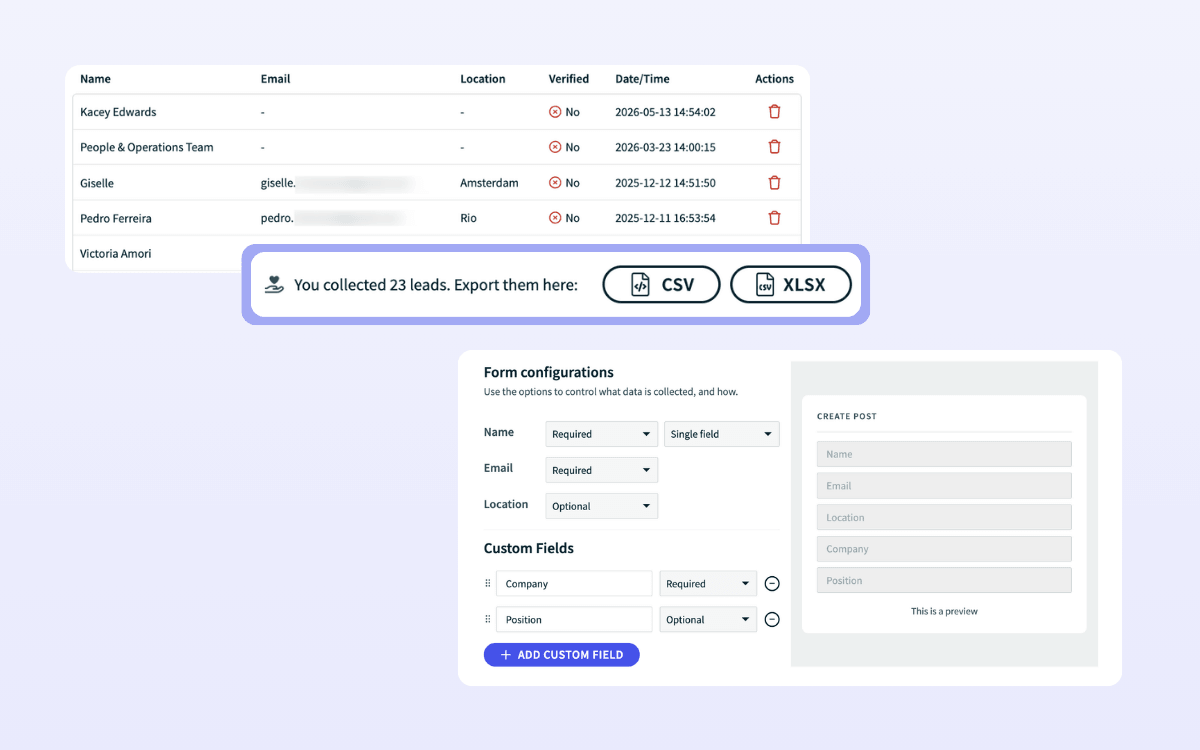
As an admin, you can define which fields your attendee should fill out when they submit a post. Each submission serves as a new lead that you can export to your CRM.
AI-powered moderation
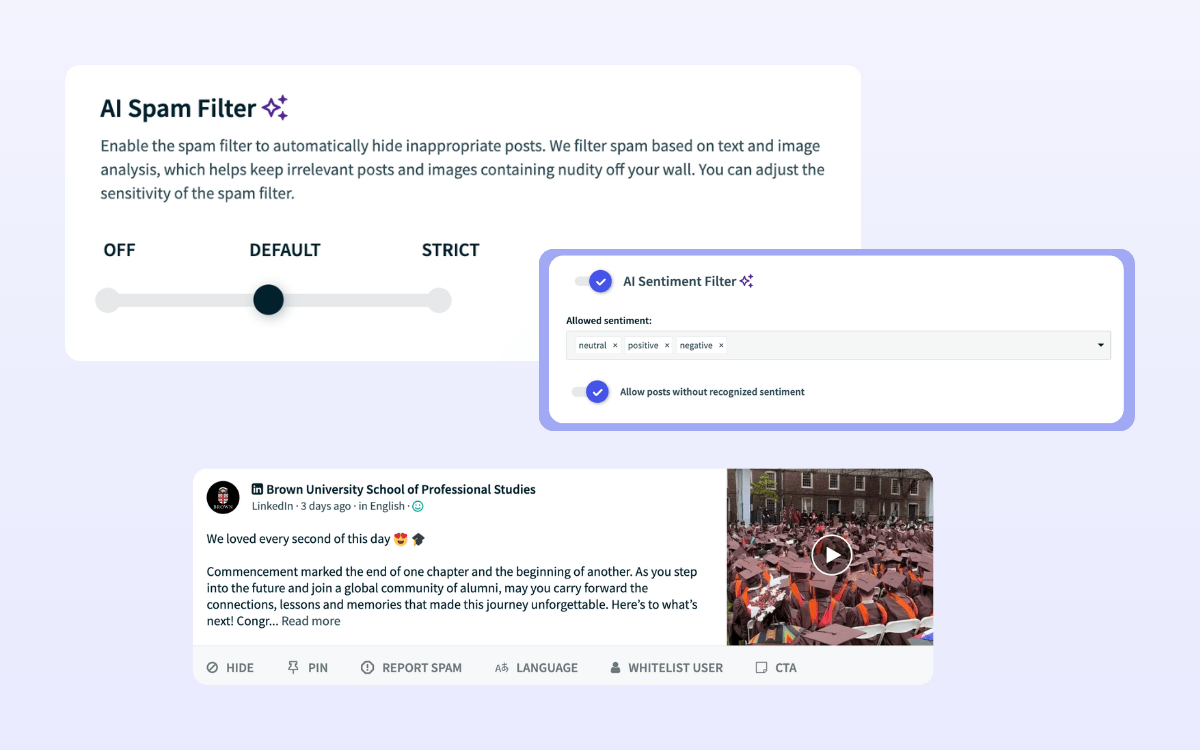
Our AI text/image analysis tools and blocklisting help filter out inappropriate posts and detect sentiment. You can also manually review posts, pin them to the top, and add clickable CTAs.
How it works
Users scan a QR code or click the link to access the submission form.
They take their photo or gif, add custom assets, and submit.
In manual moderation mode, you approve the post from the backend.
The post gets published to the wall and displayed with custom assets.
Turn devices into a UGC engine with a QR scan.
Collect branded photos from your audience — no app required



Branded, user-generated content for all projects
The Lens digital photo booth lets organizations capture content that can’t be found anywhere else, providing authenticity to every use case.
Events
- Increase interactivity at in-person, hybrid, and online events
- Offer added sponsorship value with custom-branded frames
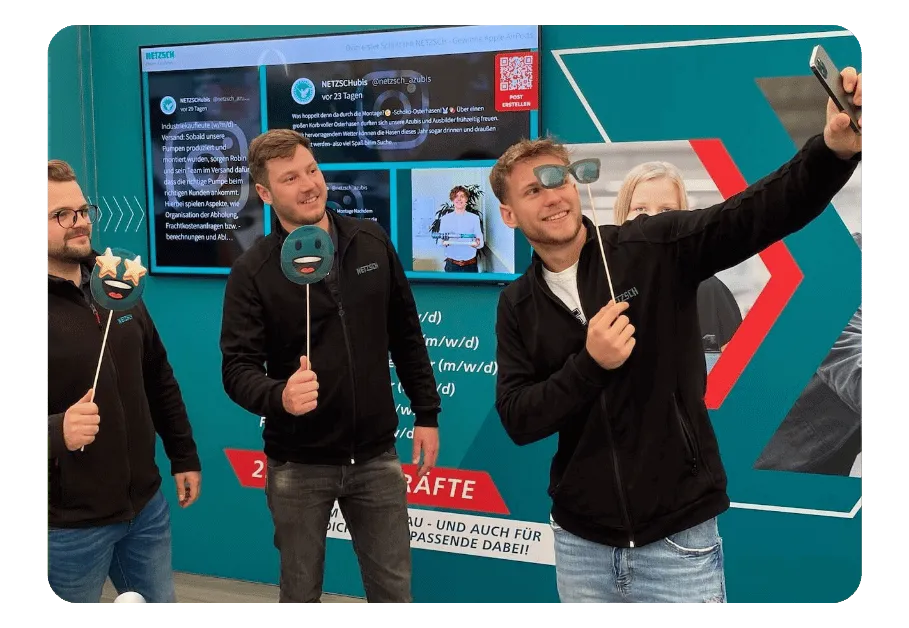
Campaigns
- Generate leads with photo booth submissions
- Create UGC contests to gain more traction for your campaign
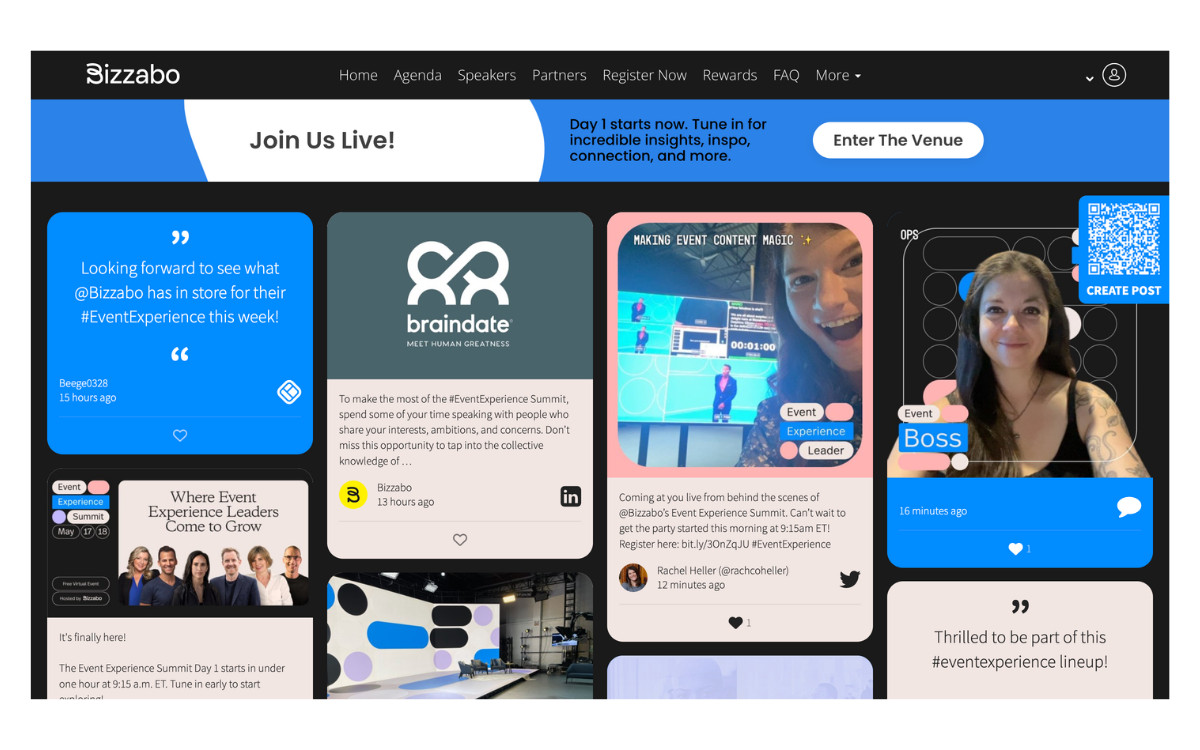
Internal Comms
- Get employees involved without apps or friction
- Strengthen company culture through shared moments

Screens
- Transform static screens into interactive displays with branded photo booth posts
- Filter out inappropriate and irrelevant posts with manual and AI-powered moderation


Three products, one unified brand experience
The Walls.io product stack is best enjoyed together – connecting seamlessly to power your content activation.
Drive engagement with real content
Display curated content from 14 social channels or have your audience share their own posts directly. The Walls.io social wall is used across events, screens, websites, intranets, and more.
- Encourage participation with interactivity features and filter posts with AI/manual moderation
- Embed your social media wall with a copy/paste of an auto-generated code
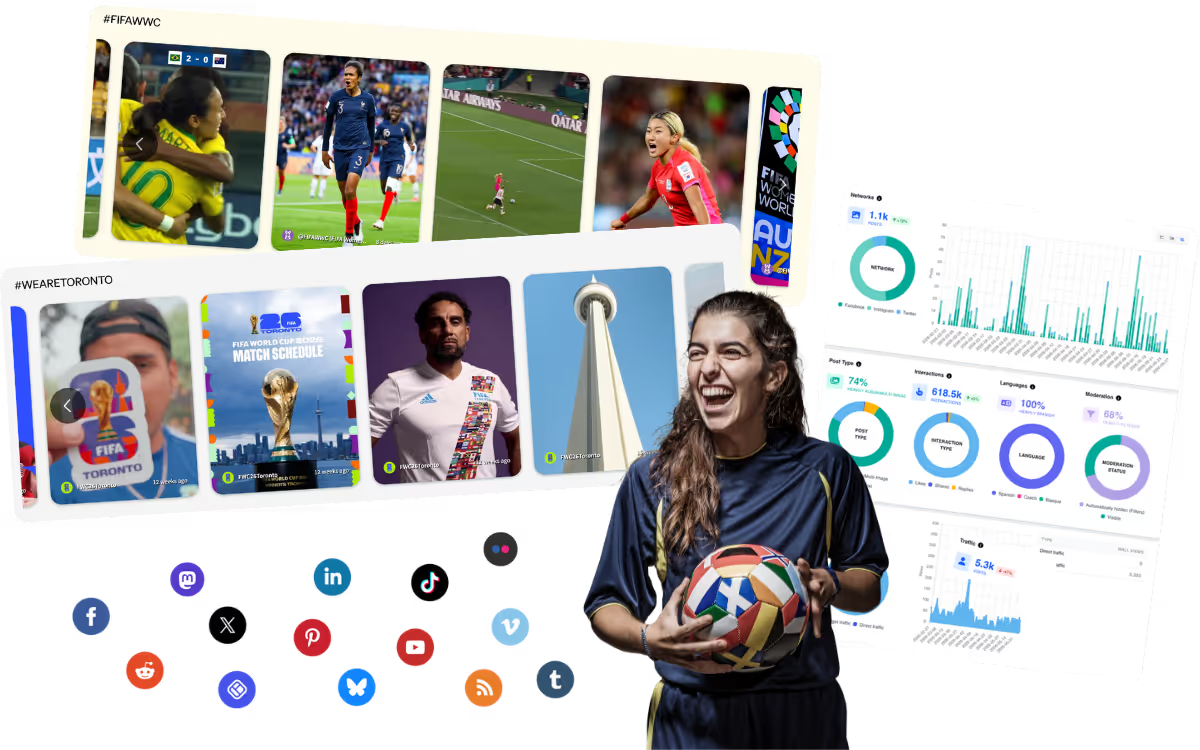
Bring your social wall to life
The Walls.io Lens photo booth add-on offers a branded, interactive experience where attendees can snap photos or GIFs that instantly appear on the social wall.
- Upload branded stickers, frames, and backgrounds so users can personalize their posts
- Enable QR code for easy scanning and submissions
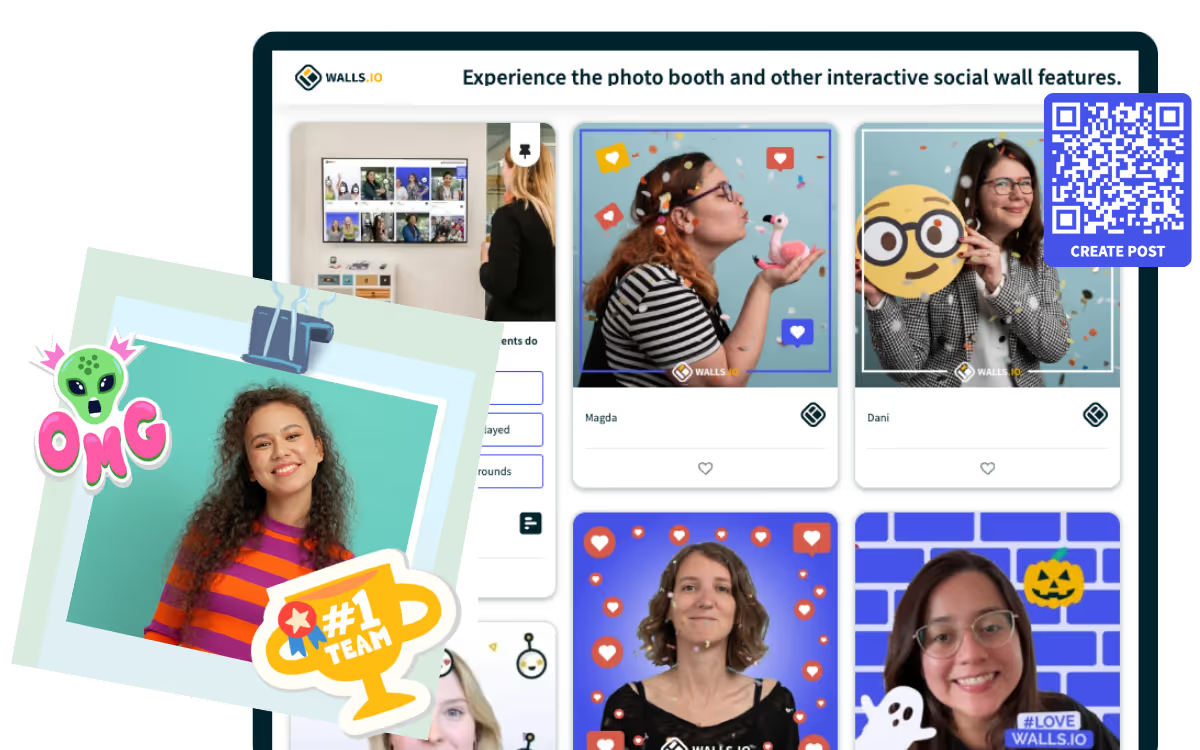
Turn your audience into your event marketing team
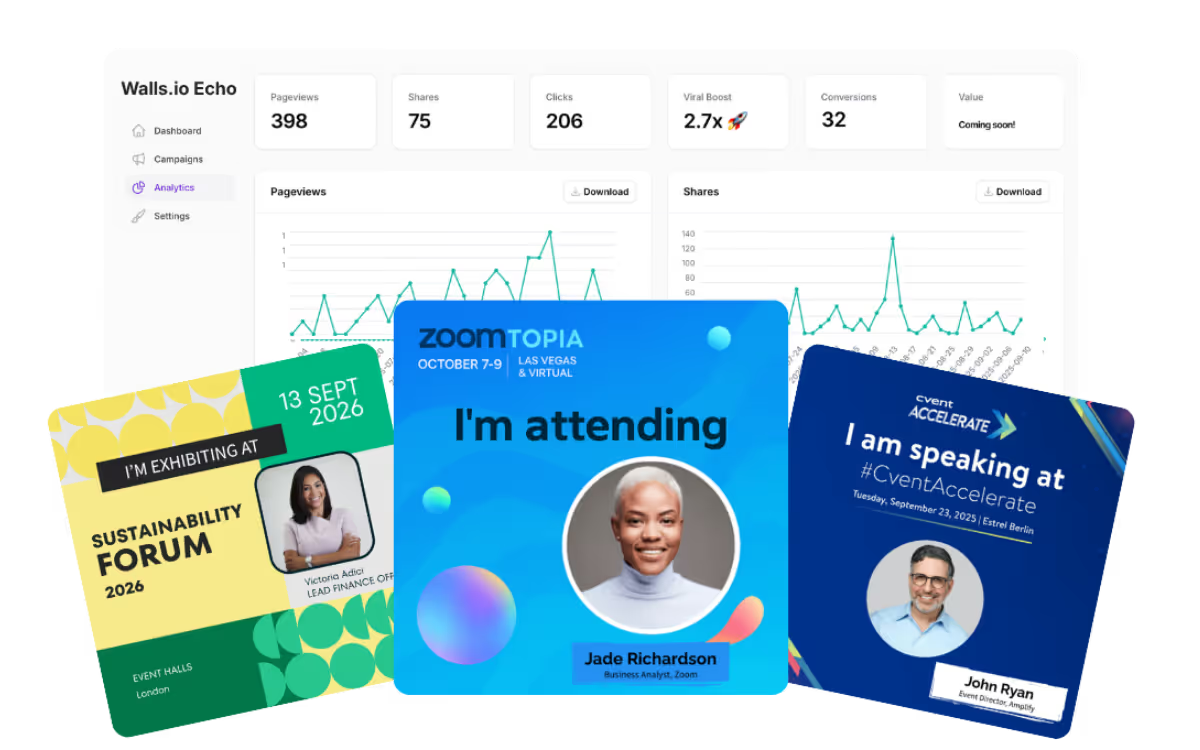
With Walls.io Echo, your attendees/speakers help promote your event through branded social media cards that can be shared to their networks in just a few clicks.
- Share to LinkedIn, X (Twitter), Facebook, Instagram, Whatsapp, and Telegram, Email, and SMS
- Measure the impact of shares with custom UTM parameters and our Analytics Dashboard